
Where Does Your AI Traffic Really Come From? Understanding GA4's AI Assistant Channel
Since May 2026, Google Analytics 4 (GA4) has separated visitors arriving from ChatGPT, Gemini, and other AI assistants into their own dedicated channel. The good news: the "AI Assistant" channel activates automatically with no setup required. The bad news: most of that traffic arrives with no referrer header, so GA4 logs it as "Direct"—meaning what the channel shows you is only a fraction of your actual AI-driven visits. Understanding this gap matters before you read any numbers from your dashboard or draw conclusions about your traffic.
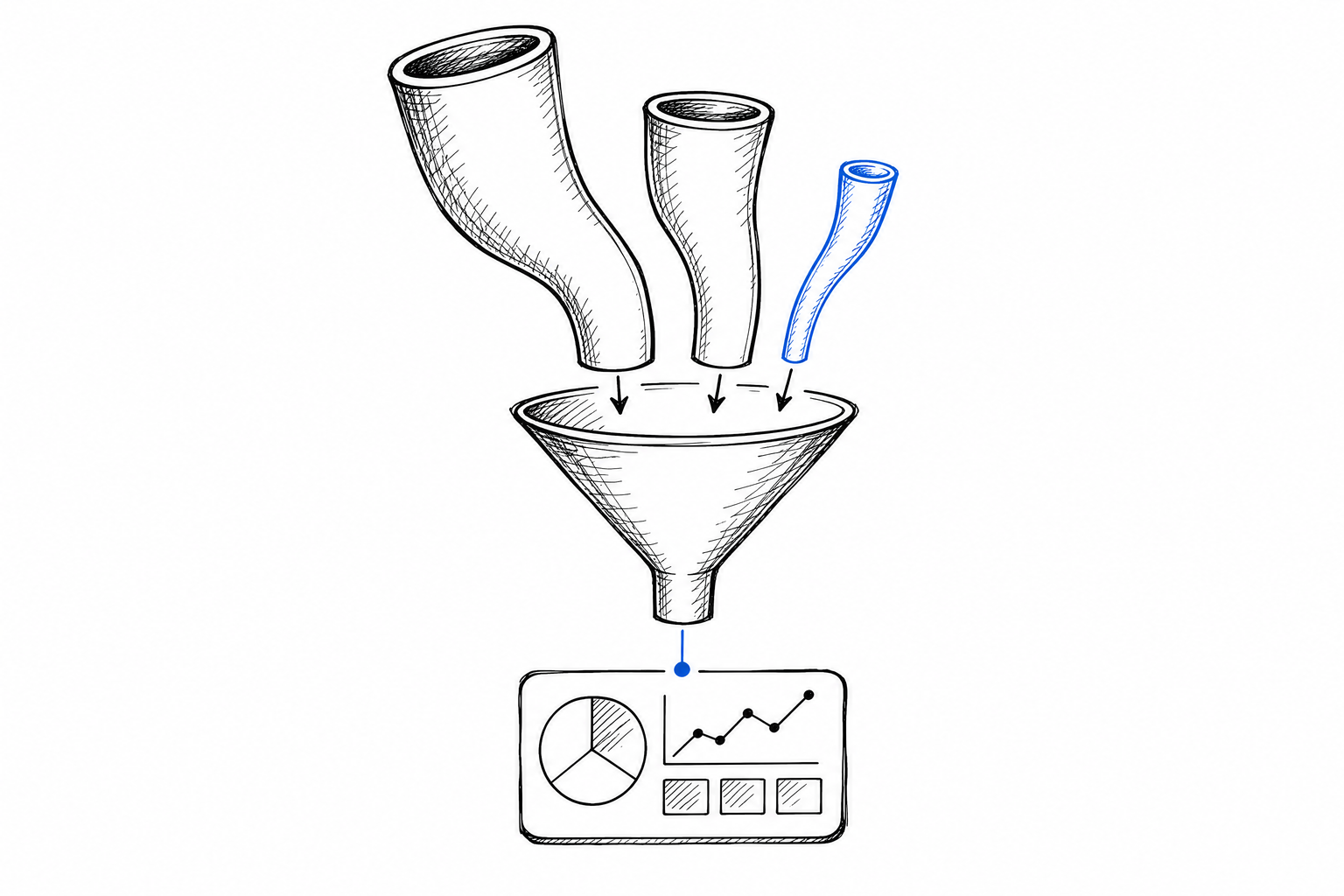
This article doesn't promise magic. I'll explain what the "AI Assistant" channel actually measures, where and why traffic falls out of view, and what you can do to get a more accurate picture. Analytics is only as useful as the honesty of whoever reads it.
What Exactly Does the GA4 AI Assistant Channel Measure—and What Does It Miss?
GA4 expanded its default channel grouping in spring 2026 with a new category: the "AI Assistant" channel. This classification activates automatically across every GA4 property—no custom configuration, segments, or filters needed. When a visitor arrives from ChatGPT, Gemini, Perplexity, or similar AI tools, and if those tools send their name in the referrer header, GA4 assigns the session to "AI Assistant."
So far, so good. The problem begins when the referrer is missing.
When an AI assistant displays a link and a visitor clicks it, the browser doesn't always send a referrer header. ChatGPT and most AI applications route visitors HTTPS to HTTPS—in these cases, the browser by standard strips or omits the referrer field, especially if the AI application sends a `Referrer-Policy: no-referrer` header. When this happens, GA4 logs the visitor as "Direct" traffic, not "AI Assistant."
This isn't a bug: it's how the web works. The rules governing referrer transmission are set by the browser and the source page, not Google Analytics. GA4 only sees what it receives—without a referrer, it cannot assign a channel.
What GA4 Actually Shows: only those visitors where the AI application did send a referrer header. This is a fragment of your true AI traffic—estimates suggest that 40–70 percent of visitors coming from AI assistants arrive with no referrer, appearing as Direct instead.
Perplexity is a particularly striking example. Links displayed in Perplexity's browser pass through an internal redirect layer that often strips the referrer—as a result, Perplexity almost never appears in the "AI Assistant" filter, even when Perplexity-driven traffic to your site is substantial. ChatGPT shows a mixed picture: referrers are sent from the web interface, but mobile app clicks typically lack them.
How to Read Your GA4 AI Assistant Data—Without Underestimating Your Real AI Traffic
The first step is establishing the right interpretive frame. The "AI Assistant" channel doesn't measure all AI traffic—only the portion GA4 receives referrer data for. This isn't an error; it's a limitation. A low "AI Assistant" channel number doesn't mean AI assistants aren't driving traffic to you; it may mean a significant part of your Direct traffic actually comes from them.
Watch three things together, not separately:
- The absolute numbers in the "AI Assistant" channel. This is your floor: this many visitors definitely came from AI sources. If this number grows, that's a good sign—AI tools are either sending more referrers, or your site is appearing more frequently in AI responses.
- Trends in your Direct traffic over time. If your AI visibility improves—because you're now in ChatGPT responses, or Gemini is citing you more—your Direct traffic may rise in parallel, with no corresponding rise in "AI Assistant." These two must be read together.
- Absence of UTM-tagged campaigns in the AI channel. If you've marked your links with UTM parameters and they arrive without issue—rare, but not impossible—GA4 will use the UTM as the primary signal, logging the visit as "Organic" or a custom channel name instead of "AI Assistant." Not all AI-sourced links carry UTM parameters, but it's worth knowing these two systems can overlap.
For a clearer picture, use GA4's "Acquisition" → "Channels" view, filter for "AI Assistant," and place your Direct traffic trend alongside it over the past 90 days. If the "AI Assistant" channel has grown steadily January through June and Direct also grew, that's strong evidence your AI traffic is genuinely expanding—GA4 just can't name the portion that's embedded in Direct.
Why Isn't GA4 Alone Enough to Measure AI Traffic?
Because AI visibility is not the same as AI traffic—and GA4 measures only the latter, and incompletely. Measuring AI visibility across seven dimensions asks whether AI tools can reach your site, read it, and recommend you by name when a buyer asks a question. That's a completely different question from which channel GA4 logs when someone clicks through.
GA4's "AI Assistant" channel captures only one instant: when a visitor clicks and arrives—and only then if the referrer reaches your server. It doesn't measure how many buyer questions resulted in AI tools mentioning your company or a competitor's. It doesn't measure how accurately the AI described your products or services. It doesn't measure whether Perplexity recommended you or your neighbor. These require active measurement—not from GA4, but by directly questioning the AI tools themselves.
I've detailed a free self-check method before: a handful of questions your ideal buyer might ask, typed into ChatGPT and Gemini while logged out and using the free tier—that's the measurement that gives you real insight into what AI sees about you. GA4 doesn't replace this, nor is that its purpose.
AI traffic is hard to measure because internet protocols weren't designed for today's AI applications. GA4's "AI Assistant" channel is the first serious attempt to make this traffic type visible at the surface—but it's not a silver bullet, and it can easily mislead if you focus only on the channel number. Referrer-blind clicks currently have no single reliable measurement method: experiment with your own landing pages, UTM parameters, and watch your Direct traffic trends alongside the numbers.
What You Can Do Right Now to Make Your Measurement More Accurate
Several concrete steps to take in GA4 and beyond:
Enable the "AI Assistant" channel monitoring. Most properties have this active by default, but verify it: GA4 Admin → Data Display → Channel Group. If "AI Assistant" appears on the list, it's on. If you don't see it, Google's help documentation walks you through custom channel group setup.
Create a custom segment to estimate the AI portion of Direct traffic. Filter Direct channel sessions where the landing page URL is something you actively share in AI tools or pages that appear in AI responses. If those pages receive Direct traffic, much of it likely comes from AI clicks.
Watch the referrer-domain filter that Ahrefs also recommends. Some AI tools—particularly desktop versions—do send referrers from domains like `chatgpt.com`, `perplexity.ai`, `gemini.google.com`. Filtering those into a custom segment gives you a better upper-bound estimate of referrer loss.
Test with your own landing pages. When you share a URL in a campaign or forum and see traffic from AI assistants, in some cases the session source is traceable. While this isn't a complete solution, it helps you see referrer rates in your own traffic.
AI traffic measurement in 2026 is exactly where social media traffic measurement was in 2012: everyone knows it matters, but the precise number is out of reach. GA4's new channel is progress, but don't confuse progress with a full solution. Supplement your traffic data with active measurement—ask AI tools directly, watch your Direct trends, and read both data sources side by side.
If you want to know what AI assistants are saying about your business right now to real buyer questions—and what factors influence whether you appear in their answers—the detailed process is covered on our methodology page, and you can work through the measurement steps yourself at how it works.
Get a free AI visibility check See our two-mode measurement explained
Frequently asked questions
Does GA4's AI Assistant channel capture all my AI traffic?
No. It only captures visitors where the AI application sent a referrer header. Estimates suggest 40–70 percent of visitors coming from AI assistants arrive with no referrer and get logged as Direct traffic instead.
Why does so much AI traffic show up as Direct instead of AI Assistant?
Because many AI applications route visitors HTTPS to HTTPS without sending a referrer header — sometimes deliberately, via a Referrer-Policy: no-referrer header. GA4 can only assign a channel when it receives a referrer; without one, the visit defaults to Direct. This is how browsers and source pages work, not a GA4 bug.
Why doesn't Perplexity show up in my AI Assistant channel?
Perplexity routes links through an internal redirect layer that typically strips the referrer, so it almost never appears in the AI Assistant filter — even when Perplexity is sending you substantial traffic. ChatGPT is a mixed case: the web interface tends to send referrers, but mobile app clicks usually don't.
What should I watch instead of just the AI Assistant channel number?
Three things together: the absolute AI Assistant numbers as your floor, your Direct traffic trend over the same period (since real AI traffic growth often shows up there too), and whether any UTM-tagged links are quietly being reclassified out of the AI Assistant channel.
Does GA4 tell me whether AI tools actually recommend my business?
No. GA4 only measures traffic that clicks through and lands on your site, and only when the referrer survives. It doesn't measure how many buyer questions mentioned your company by name, how accurately an AI described you, or whether it recommended a competitor instead. That requires directly questioning the AI tools yourself, not reading an analytics dashboard.