
Locking Yourself Out of AI: The Case of the Blocked ClaudeBot and GPTBot
If your robots.txt or security plugin blocks ClaudeBot or GPTBot with a 403 error, Claude and ChatGPT literally know nothing about your website — not because you're unknown, but because you've locked them out yourself. This isn't market invisibility: it's a causal, reversible mistake fixable with a simple robots.txt edit.
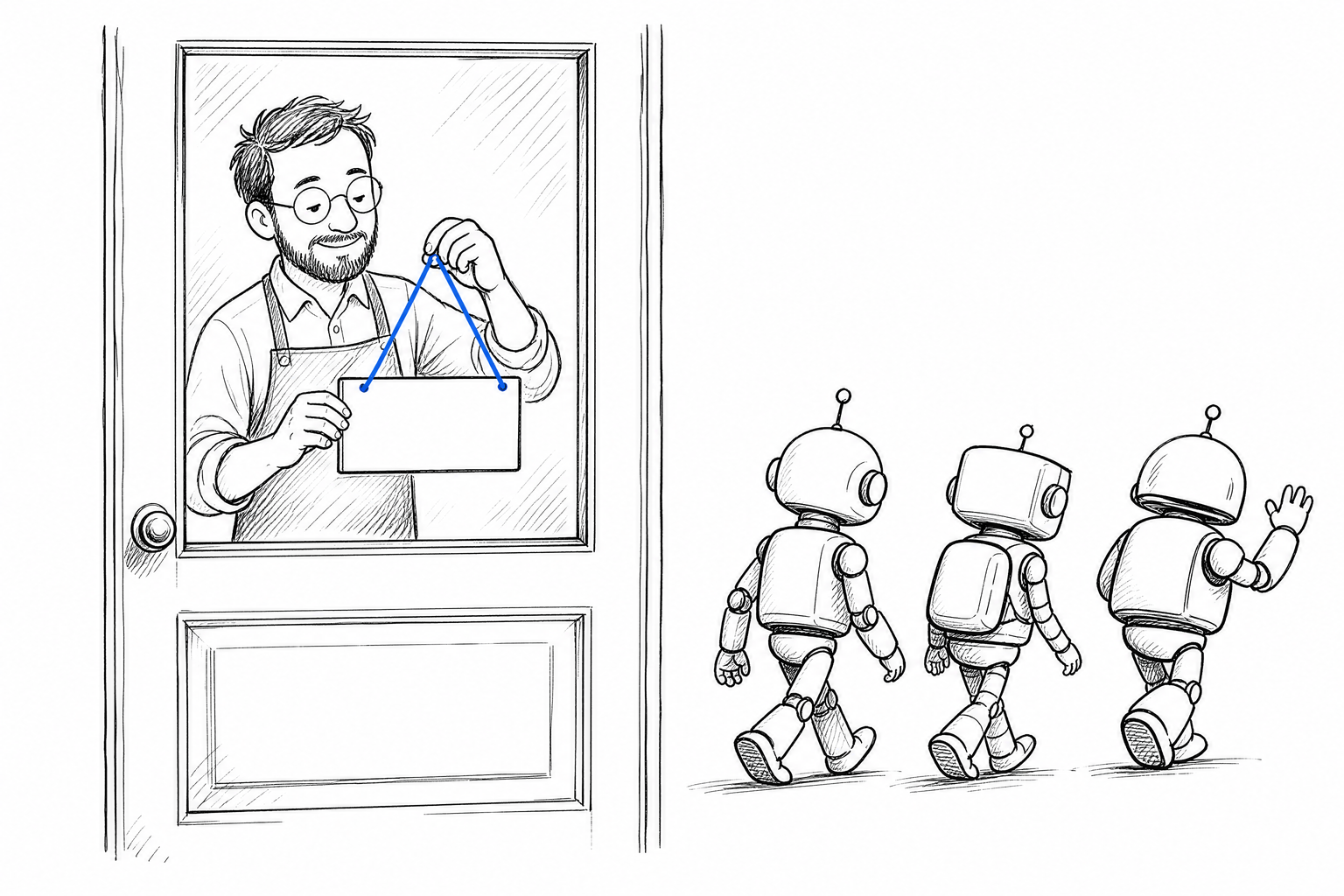
The greatest paradox of AI visibility is that many businesses actively defend against the very thing they want to reach them. A security plugin blocks unknown bots — including ClaudeBot and GPTBot. A robots.txt rule excludes all non-Google requests. An IP-based firewall treats requests from Anthropic or OpenAI datacenters as suspicious traffic. In all three cases, the result is the same: you're cut out of AI training data, and your AI visibility is zero — not for market reasons, but for technical ones.
What Do ClaudeBot and GPTBot Actually Do — and Why Aren't They Enemies?
ClaudeBot is Anthropic's web crawler: it regularly visits publicly accessible websites, and the collected content enriches Anthropic's models — including Claude. GPTBot is OpenAI's equivalent: it gathers training material from the web for the models that power ChatGPT. Both obey your robots.txt instructions respectfully, and Anthropic's documentation and OpenAI's GPTBot guide both provide exact robots.txt examples of how to allow or block them.
The key word is "respectfully." If you write Disallow: / for the ClaudeBot or GPTBot user agent in your robots.txt, these bots honor your wishes — they never read your content. It follows that Claude's models didn't learn from it, and ChatGPT doesn't know your content. When a customer asks ChatGPT about your service, they'll get a blank response, a hallucinated answer, or a competitor's details.
Blocking is therefore not neutral: it actively makes things worse, especially at a moment when customers increasingly turn to AI tools for answers. If you focused only on traditional Google search optimization, your robots.txt is probably fine — nobody usually blocks Googlebot. The problem is that security-first thinking lumped all "other" bots into one category, while ClaudeBot and GPTBot should have graduated to "important visitor" status long ago.
How Can You Tell If You're Blocking AI Bots?
You can diagnose this without any paid tools. There are three layers to check.
The first layer is robots.txt. Open yourdomain.com/robots.txt in your browser. Search for the user agent names ClaudeBot, GPTBot, PerplexityBot, and anthropic-ai. If any of them shows Disallow: /, that's a complete block. If there's no specific entry for these, but you have a general User-agent: * rule with Disallow: /, that also blocks all bots — including AI bots. Important: robots.txt is the exact filename — never rename it, and don't alter the name itself, only its content.
The second layer is your server's response code. Robots.txt permission is necessary but not sufficient. If your server — firewall, CDN rule, security plugin, WAF — responds with a 403 error to requests with ClaudeBot or GPTBot User-Agent headers, then your robots.txt rules are irrelevant: the bot never even got far enough to read them. Most security plugins (iThemes Security, Wordfence, Cloudflare WAF) apply this kind of blocking by default for unknown bots. To check: use an HTTP header testing tool to send a request with a ClaudeBot User-Agent header and see what status code comes back.
The third layer is real-world measurement. The previous two are technical checks — but the true result shows up in AI applications themselves. Open the free version of Claude or ChatGPT and ask about your own business, your own services. If the AI doesn't recognize your name, can't provide accurate data about your company, or gives a hallucinated answer — while simultaneously knowing a smaller, older competitor precisely — that's strong evidence you're excluded from its training data. I detailed how to interpret this in my post about AI hallucinations and Hungarian businesses.
How to Fix It If You're Blocking AI Bots
The fix is possible, and in most cases it doesn't require a developer — but precision matters, because half-measures produce the same result as a complete block.
Fixing robots.txt is the easiest step. Add this block to the end of your file:
User-agent: ClaudeBot
Allow: /

User-agent: GPTBot
Allow: /

User-agent: anthropic-ai
Allow: /

User-agent: PerplexityBot
Allow: /
If a general User-agent: * block disallows all bots, place the AI-specific Allow: / entries before it — robots.txt processing works top-to-bottom, and the first matching rule takes precedence. Both OpenAI's GPTBot documentation and Anthropic's guide recommend this order.
Unblocking at the server and firewall level is slightly more involved. If Cloudflare WAF rules block unknown bots, create an exception for ClaudeBot and GPTBot User-Agent headers. If you use a WordPress security plugin (Wordfence, iThemes Security, All In One WP Security), look for the "allowed bots" list and add ClaudeBot, anthropic-ai, and GPTBot to it. The exact menu name varies by plugin, but you'll usually find it in a "Bot protection" or "Blocked crawlers" section.
If you're unsure which layer is blocking the bots, the most reliable approach is this: ask your hosting provider to search the server logs for requests with the ClaudeBot user agent and tell you whether they receive 403 or 200 responses. That handful of lines will show you exactly where the block is.
Why Isn't Allowing Just Googlebot Enough?
This is the most common misconception, and it deserves its own section. Traditional search optimization was built on the premise that Google is the only crawler whose permission matters. That's no longer true.
Different AI platforms use different bots to gather content. Claude sends ClaudeBot and the anthropic-ai user agent, ChatGPT sends GPTBot, Perplexity sends PerplexityBot, Microsoft Copilot sends Bingbot. If you allow only Googlebot and block every other bot, ChatGPT and Claude literally won't know you — while you might rank perfectly in Google search. This is exactly the situation where the model says completely different things with and without search: Gemini (which ties to Google's index) might know you, but ChatGPT doesn't.
In my post comparing the three major AI bots in detail, I explained which company runs which bot and how their behavior differs. The point is: Googlebot permission alone is no longer sufficient. Every major AI bot needs its own permission if you want to be included in their training data.
At the same time, unblocking the bots is necessary but not sufficient. The fact that ClaudeBot can read your pages doesn't mean the AI will automatically recommend *you* to a customer — recommendations are shaped by reviews, brand recognition, and external presence, not by the crawler alone. I explored this in detail in a separate post about the difference between AI-readiness scores and actual AI recommendations. Unblocking the bots solves the problem that the AI knows nothing about you — what it says about you depends on your content and external presence too.
What's the Difference Between Bot Blocking and Real AI Invisibility?
This distinction is critical because many businesses confuse them — and they have different solutions.
Bot-blocking-induced invisibility is a technical problem: the AI bot couldn't read your pages, so it doesn't know your content. This is reversible: after you modify robots.txt and firewall settings, the bot reads your site on its next visit, and your content enters the training data. At the next model update — or sooner if the platform uses live search — things improve. The telltale sign of this kind of block: the AI doesn't know the company, can't state basic facts about it, or confuses it with a completely different business with a similar name.
True AI invisibility is different: the AI knows your website, has read your content, but doesn't mention you first in answers and doesn't recommend you. This isn't caused by robots.txt — it's shaped by review volume, link quality, content relevance, and brand familiarity. This can't be fixed in minutes; it takes longer work.
That's why my seven-dimension measurement approach includes bot accessibility as a separate measured element: I check whether major AI bots can actually reach your site, or whether a server error, firewall rule, or robots.txt entry blocks them. If a block exists, the measurement catches it immediately — before I draw any conclusions about your content.
When Should You Intentionally Block AI Bots?
Yes, there are cases — and an honest answer requires addressing them.
If you have sensitive content you don't want to end up in AI training data — unique client contracts, internal documents, pages containing personal information — then a robots.txt block on those specific subdirectories is completely justified. Disallow patterns like Disallow: /internal/ or Disallow: /client-work/ serve exactly this purpose.
But if you're also blocking your public product pages, service descriptions, contact page, and blog posts — either accidentally through an overly broad rule — you're precisely excluding from AI training the pages your customers actually need to find you through. That's why it's worth writing your robots.txt logic not as "block everything, then allow exceptions," but the reverse: allow AI bots by default, and block only the truly sensitive subdirectories.
If you'd like to see what the situation is on your own site right now — what the machine can see about you and whether your blocking is causing the invisibility or whether other factors are at play — you can reach out through the contact page. The initial audit is free and will show you where the real problem lies.
Frequently asked questions
What do ClaudeBot and GPTBot actually do?
ClaudeBot is Anthropic's web crawler, and GPTBot is OpenAI's equivalent — both gather publicly accessible content that enriches the training data behind Claude and ChatGPT. Both bots respect robots.txt instructions, so if you disallow them, they simply never read your content.
How can I tell if my site is blocking AI bots?
Check three layers: your robots.txt file for a Disallow rule on ClaudeBot, GPTBot, or a blanket User-agent: * block; your server's actual response code to a request carrying an AI bot's User-Agent header (robots.txt permission means nothing if the server still returns a 403); and real-world behavior, by asking Claude or ChatGPT directly about your business.
Is it enough to allow just Googlebot?
No. Different AI platforms use different bots — Claude sends ClaudeBot and anthropic-ai, ChatGPT sends GPTBot, Perplexity sends PerplexityBot, Microsoft Copilot sends Bingbot. Allowing only Googlebot while blocking the rest means ChatGPT and Claude can rank you perfectly in Google search yet know nothing about you.
How do I fix a robots.txt block on AI bots?
Add explicit Allow: / rules for the ClaudeBot, GPTBot, anthropic-ai, and PerplexityBot user agents, placed before any general User-agent: * disallow rule — robots.txt is processed top to bottom, and the first matching rule wins. If a firewall or security plugin is also blocking these bots at the server level, you need to add an exception there too.
Does unblocking AI bots guarantee they will recommend my business?
No. Unblocking solves the problem that the AI knows nothing about you. What it actually says about you afterward still depends on your content quality and your external presence — reviews, brand recognition, and mentions elsewhere — not on crawler access alone.